PhotoGIMP for my precious graphic design
I used to mess around in Photoshop back when I was using Windows 10. I'll be honest and say that I did not obtain Photoshop legally. I mean, I never had a job yet, and I was too young; how else was I going to learn? By using free alternatives? Pfft, please! That software is so YUCKY!
Well, now I do use free alternatives to professional software! GIMP is one of the best examples of a free and open source Photoshop alternative. (Fun fact: I used to use Paint.NET before switching to Photoshop, but I hated using it.)
However, GIMP itself is a bit wonky, especially if you're more accustomed to the Photoshop workflow. Fortunately, there is a GitHub project dedicated to making GIMP feel more like Photoshop, called PhotoGIMP!
PhotoGIMP is what I currently use now. Although some of the wonkiness still persists when using it, I find it to be much smoother as a transition from Photoshop. Unfortunately, the only issue with setting it up now is that it hasn't been updated to GIMP 3.2. So, if you're on Linux and using the Flatpak version of GIMP, it might not work. I recommend following this issue on the GitHub page to fix it.
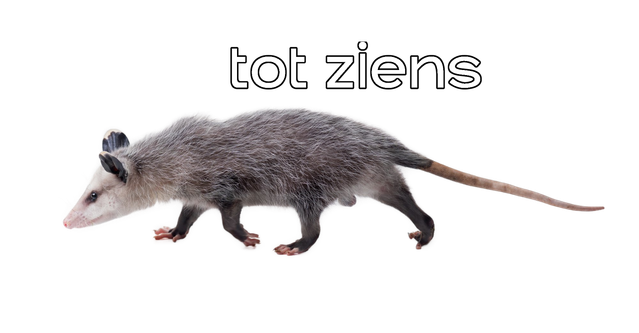
And here's another fun fact! The farewell possum (the image at the bottom of all my blogs) was made in PhotoGIMP specifically! And even better, it was entirely created on my ThinkPad!